No formatting toolbars, no rich text, no bloat. Just fast, reliable plain text. Everything here is free.
📄
Multiple Pages
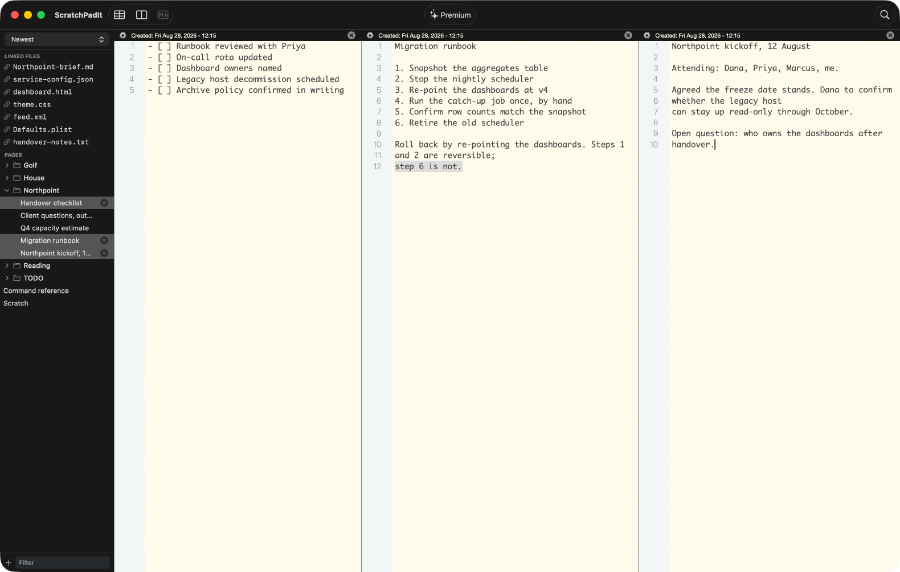
Keep as many separate pages as you need. Switch between them instantly from the sidebar. Add or delete pages in one click.
☁️
iCloud Sync
Your pages sync automatically across all your Macs via iCloud. Everything is always right where you left it, no setup required.
⚙️
Per Page Settings
Each page has its own settings for word wrap, delete protection, and invisible character detection. Files you open keep their own word wrap and invisible characters too. Customize one without touching any other.
🔤
Font and Color Control
Choose your font, size, text color, and background color. Global preferences apply everywhere so the look stays consistent across all pages.
🔍
Invisible Character Detection
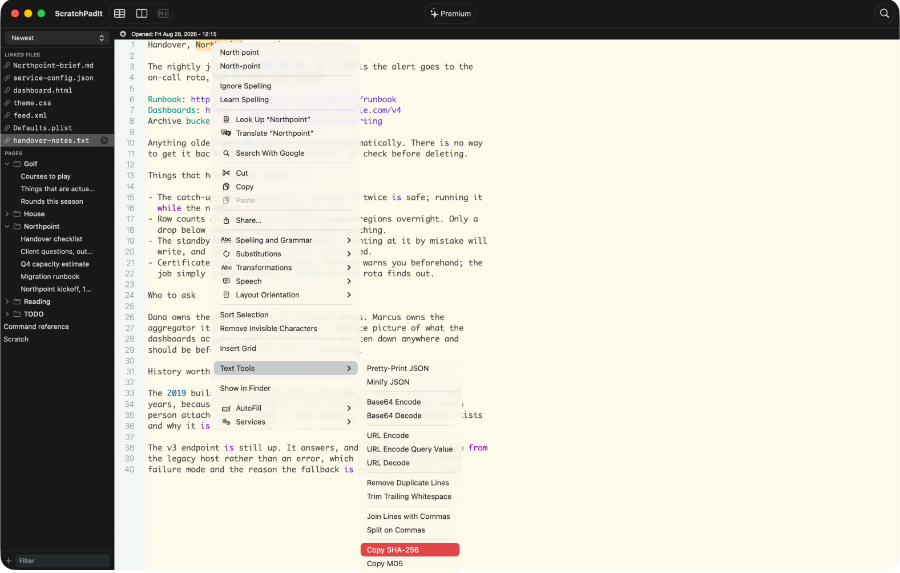
Reveal hidden Unicode characters with a visible marker. Find and remove zero width spaces, non breaking spaces, and other invisible characters before they cause problems.
🔍
Find in a Page
Search the page or file you are looking at, with the find bar every Mac app has. Free, from the toolbar or ⌘F.
🏷️
Name a Page, or Do Not
A page is named after its first line, which is right until you paste JSON in and it is called a curly brace. Rename any page, or clear the name and it goes back to using the first line.
↕️
Sort and Filter
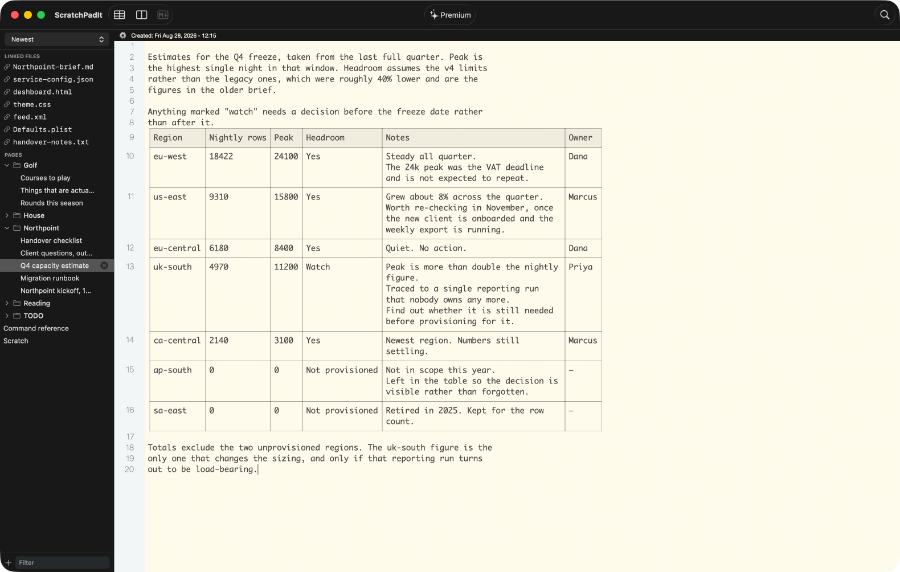
Sort your pages by newest, oldest, alphabetically, or last modified. Filter to find any page or open file instantly, by whatever it is called in the sidebar.
🔢
Line Numbers and Folding
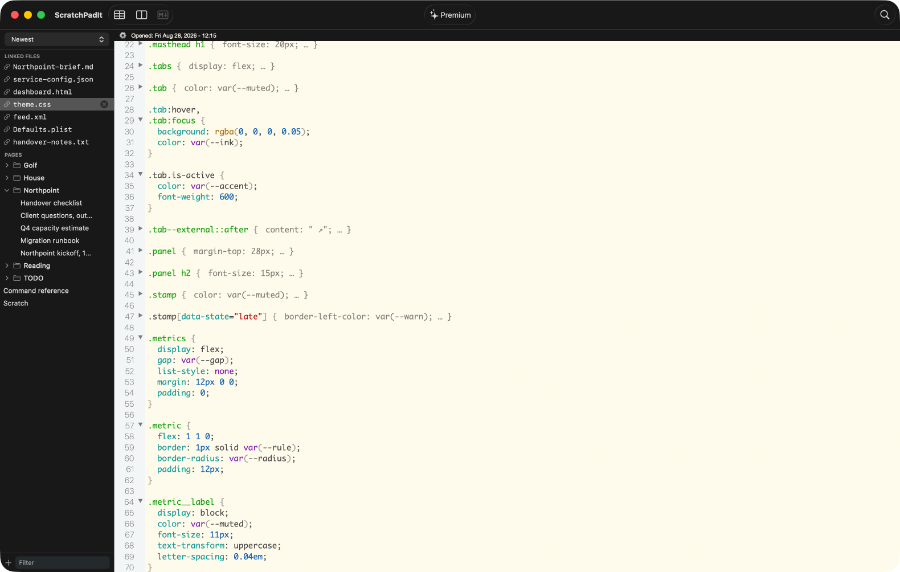
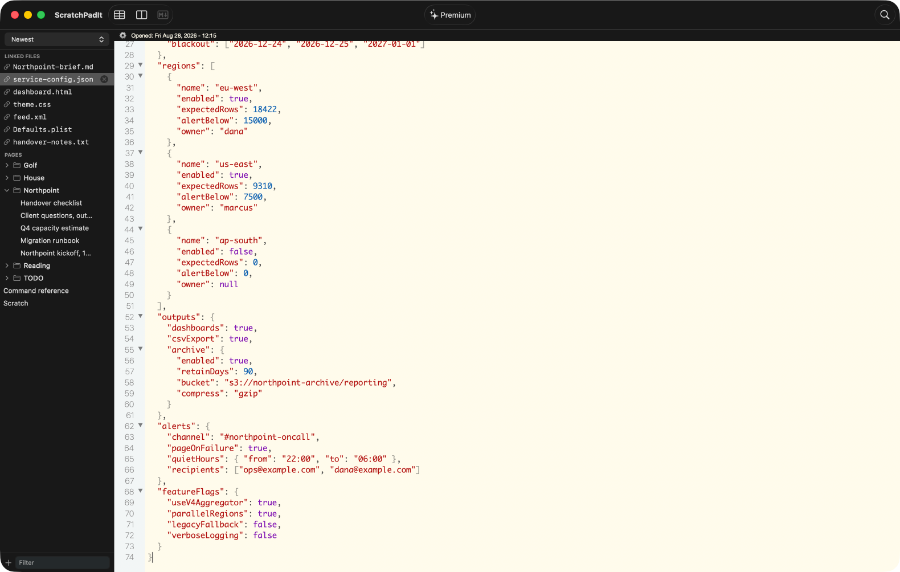
Numbered lines down the side, and a fold arrow beside every bracket and brace. Collapse a whole level at once, switch to another page, and it is still folded when you come back.
🎨
Code Coloring
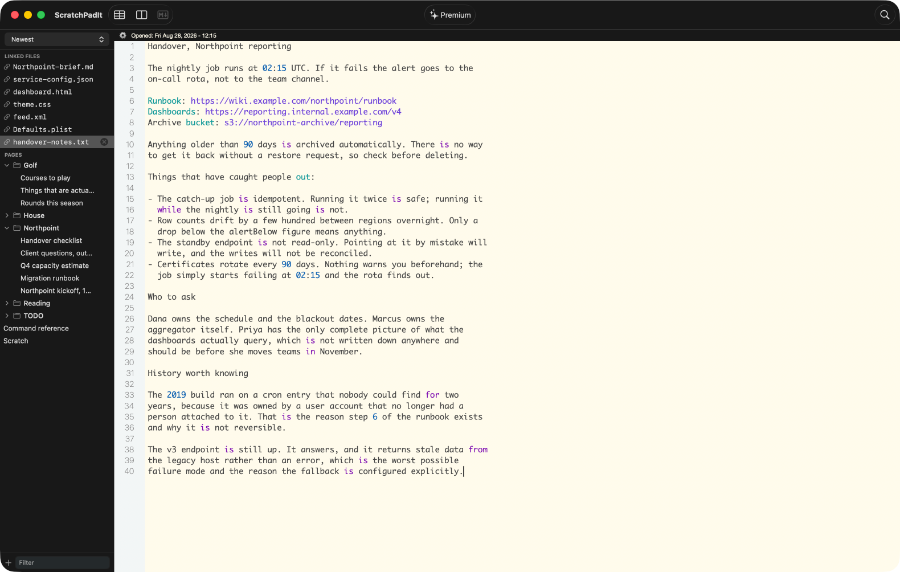
Open a stylesheet, a script, a config file, an XML feed or a property list and it is coloured as you read it: strings, numbers, comments, selectors, properties, tags, attributes and whole web addresses. Ten colours, all of them yours to change in Preferences, with one click back to the defaults.
📂
Open Any Text File
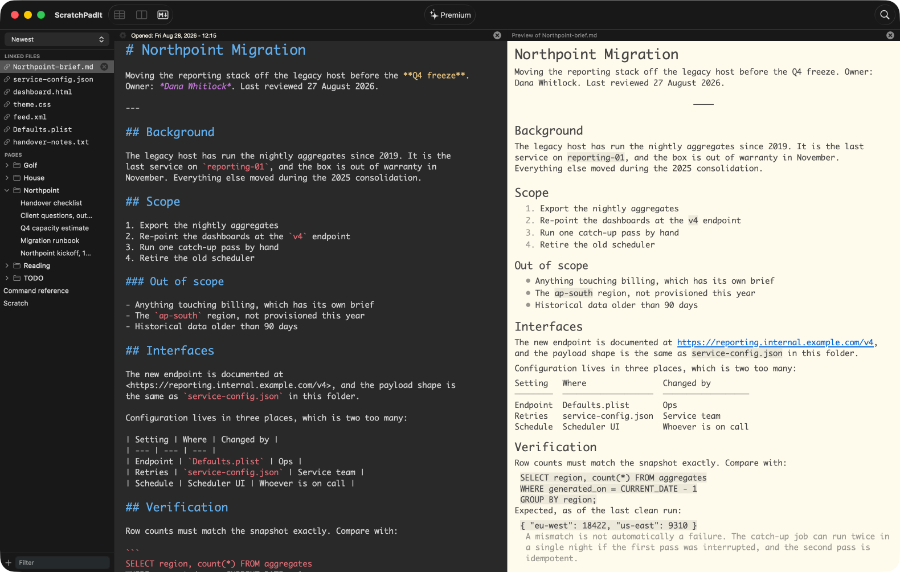
Open a file from anywhere on your Mac and read or edit it right here, or copy its contents into a page and keep it. Both are free. Markdown files are part of Premium.